Skip to content

PunchBuddy Pro

Dual-factor clock-in security. PIN plus facial verification confirms the right person is at the clock, every single time.
PunchBuddy-Cafeteria-Worker-Logo
Standard+Prox-Scan_0046_FE_PB
Whether it's a badge, a PIN, or a photo, any single method of clock-in verification can be shared or spoofed. Districts managing large hourly workforces need more certainty.

True clock-in confidence requires two things: something the employee knows and something that confirms who they are.
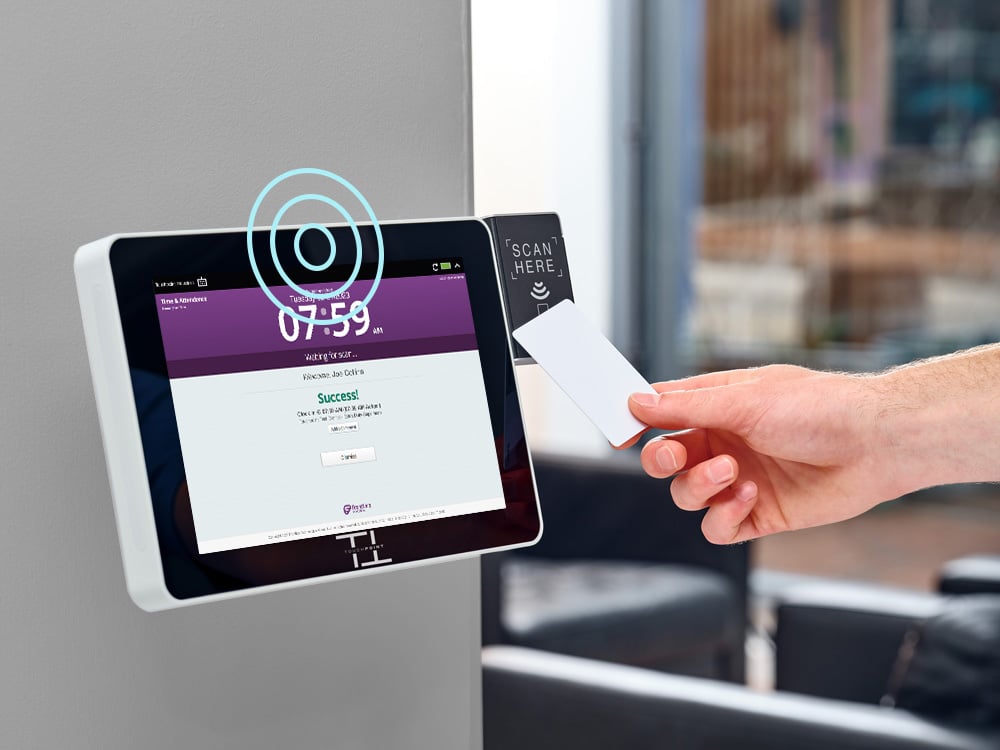
PunchBuddy Pro gives districts two-factor clock-in verification, using the SmartClock hardware they already have.

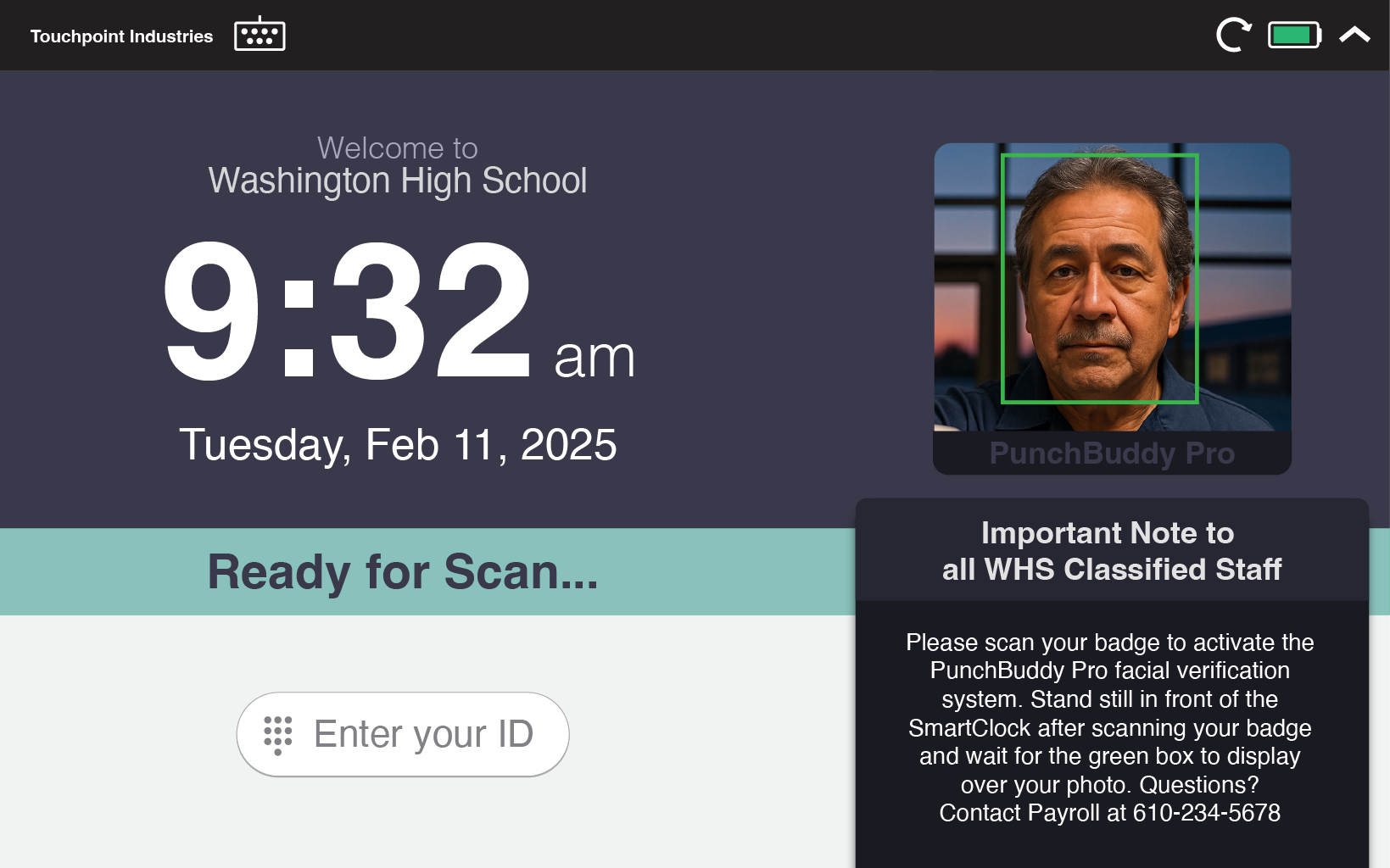
Employees enter their PIN, then the SmartClock's camera confirms their face matches what's on file. It's verification, not identification, so reliability stays high and complexity stays low.
Touchpoint-Kiosk-Screen-PBPro

Two factors. Zero doubt.

PunchBuddy Pro combines something the employee has (their badge or PIN) with something they are (their face) for clock-in confidence that single-factor methods can't match.

1

Dual-Factor Security

PIN entry plus facial verification. Two layers of confirmation on every single clock-in.

2

No New Hardware

Works with SmartClock kiosks that have a built-in camera. No additional devices or installations needed.

3

Verification, Not Identification

Pro confirms that the person entering the PIN matches the face on file. This targeted approach is far more reliable than scanning a crowd for a match.

4

Reliable Across Conditions

Because the system only needs to confirm a 1-to-1 match (not search a database), accuracy stays high regardless of lighting, glasses, or minor changes in appearance.

Built for K-12 Reality

With more than a decade of experience providing time clocks to thousands of schools, we deeply understand the challenges faced by school districts. PunchBuddy Pro delivers enterprise-grade verification that's simple enough for every employee and powerful enough for every auditor.

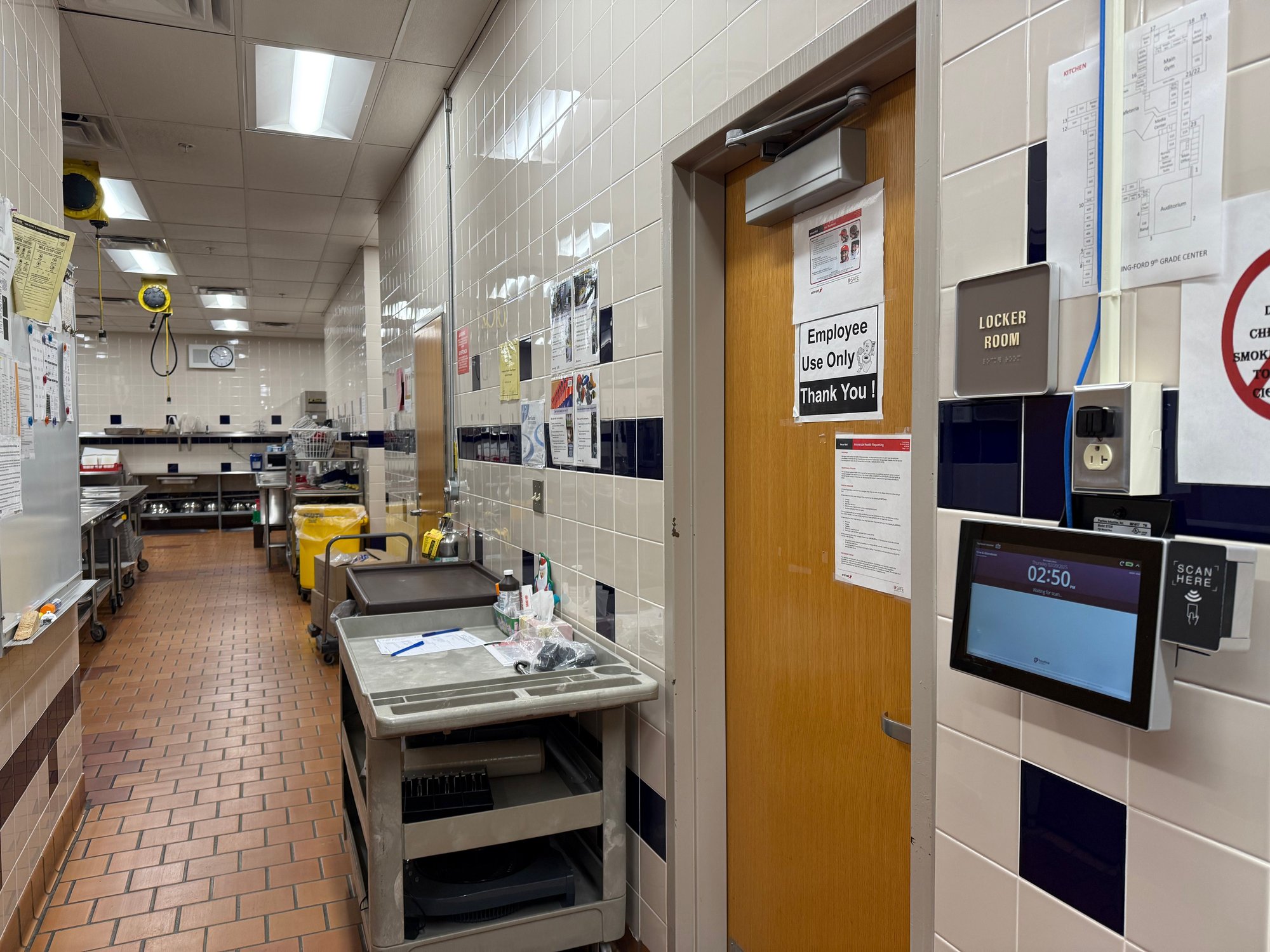
Cafeteria Kitchen SmartClock Standard

How It Works

Simple enrollment. Instant verification.


1

Enroll:

Each employee registers a facial profile during a quick, one-time setup at their SmartClock. A PIN is assigned or chosen by the employee.

2

Authenticate:

At clock-in, the employee enters their PIN. The SmartClock's camera then confirms their face matches the profile saved for that PIN. Both factors must pass to complete the punch.

3

Record:

The verified punch is logged and synced to your payroll system. A complete audit trail with dual-factor confirmation on every entry.

Frequently Asked Questions

Is this the same as facial recognition?

No. PunchBuddy Pro uses facial verification, not facial recognition. The difference matters: recognition systems scan faces and try to identify someone from a large database. Verification simply confirms that the face at the clock matches the specific profile tied to the PIN that was entered. It's a 1-to-1 check, not a 1-to-many search. This makes it faster, more reliable, and far less complex.

How is facial data stored?

Facial profiles are stored as encrypted mathematical representations, not photographs. They're kept in a secure database with district-level permissions and can be deleted at any time by an administrator.


What if the verification fails?

If the face doesn't match the PIN profile, the punch is denied and the employee can retry. Administrators can configure fallback options for edge cases. Failed attempts are logged for review.

Do we need new hardware?

PunchBuddy Pro requires a SmartClock model with a built-in camera. If your current kiosks are camera-equipped, Pro can be activated remotely. Touchpoint can help you evaluate your current hardware and plan any needed upgrades.

Does it work with glasses, masks, or changes in appearance?

Yes. Because Pro uses 1-to-1 verification (matching against a single known profile rather than searching a database), it's highly tolerant of glasses, facial hair changes, and other minor variations. Employees can also re-enroll at any time if needed.

How is Pro different from PunchBuddy Snap and Touch?

PunchBuddy Pro combines PIN entry with facial verification for dual-factor authentication. Snap captures photos for auditing (non-biometric), and Touch uses fingerprint verification. All three work on your existing SmartClock hardware. Compare all PunchBuddy options

Two-factor verification for every clock-in. No buddy punching, no exceptions.

No contracts. No complexity. Just verified identity, every time.