PunchBuddy Snap
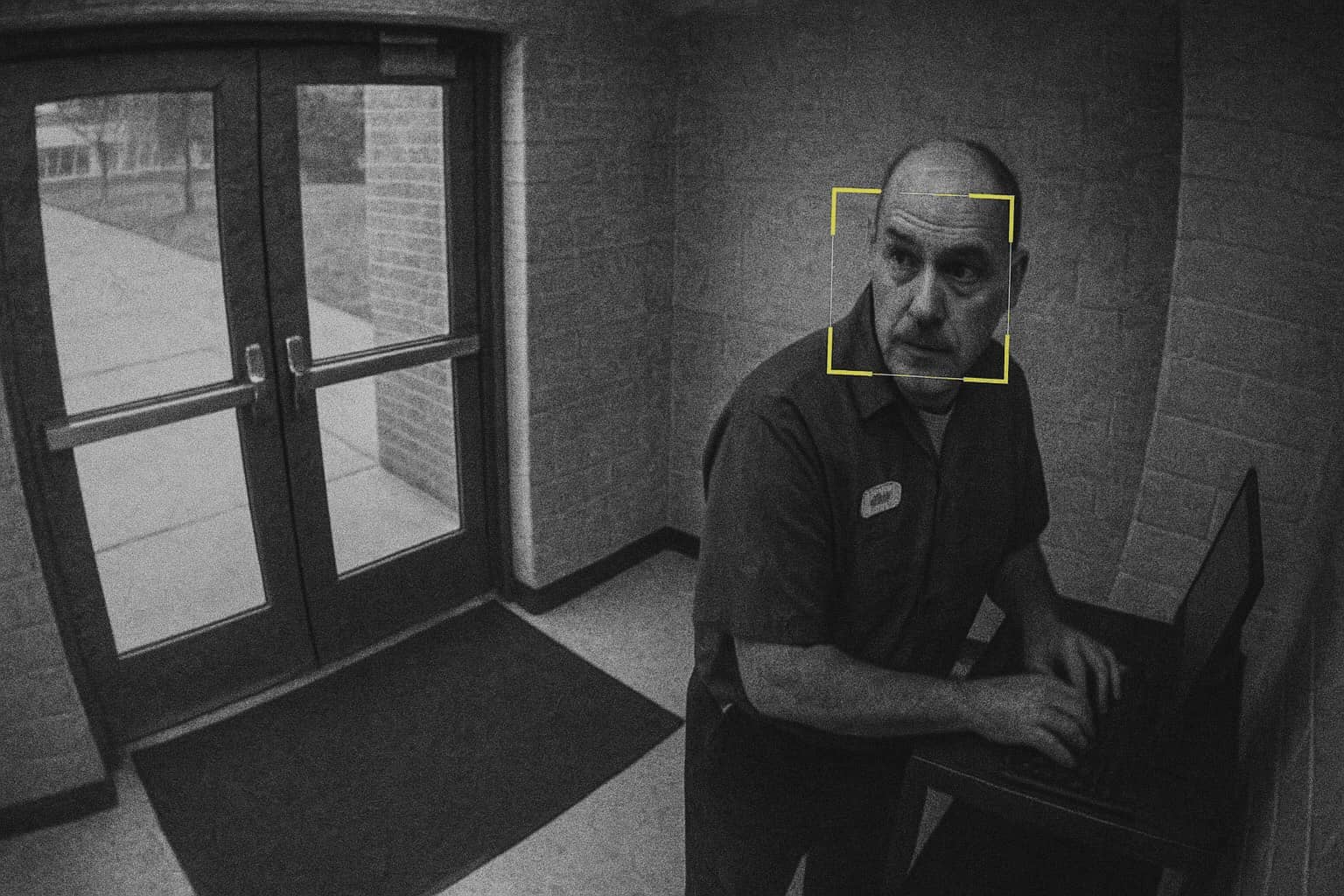
Knock out buddy punching with instant photo documentation for effortless accuracy on every clock-in.

Payroll disputes and buddy punching cost districts thousands
Low-tech time tracking methods reliant on DIY kiosks and mobile apps risk expensive time theft.
Districts need a fast, verifiable way to confirm who's actually clocking in without adding complexity to existing workflows.
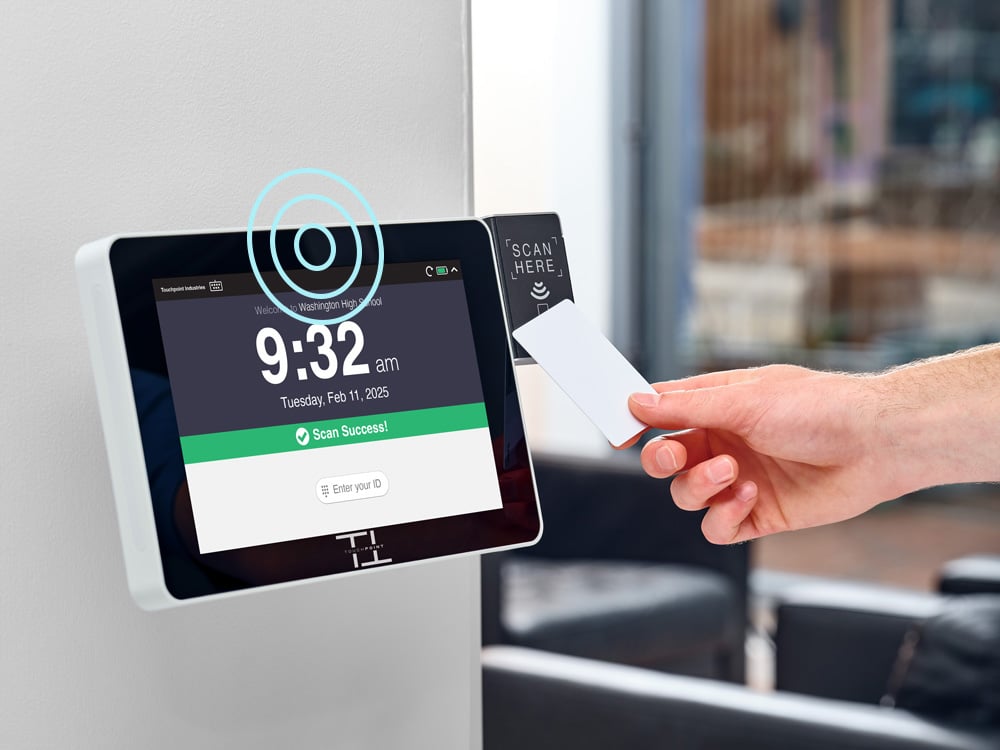
PunchBuddy Snapgives districts the accountability they need, using the SmartClock hardware they already have.
Photo documentation provides clock-in proof with a simple, non-biometric approach that's easy to deploy and even easier to manage.
Accountability made simple.
PunchBuddy Snap adds visible trust to every clock-in, improving accuracy, deterring misuse, and giving administrators real proof when needed.
1
Photo Proof
Captures a quick photo for each punch, giving teams a visual record tied to every clock-in.2
No New Hardware
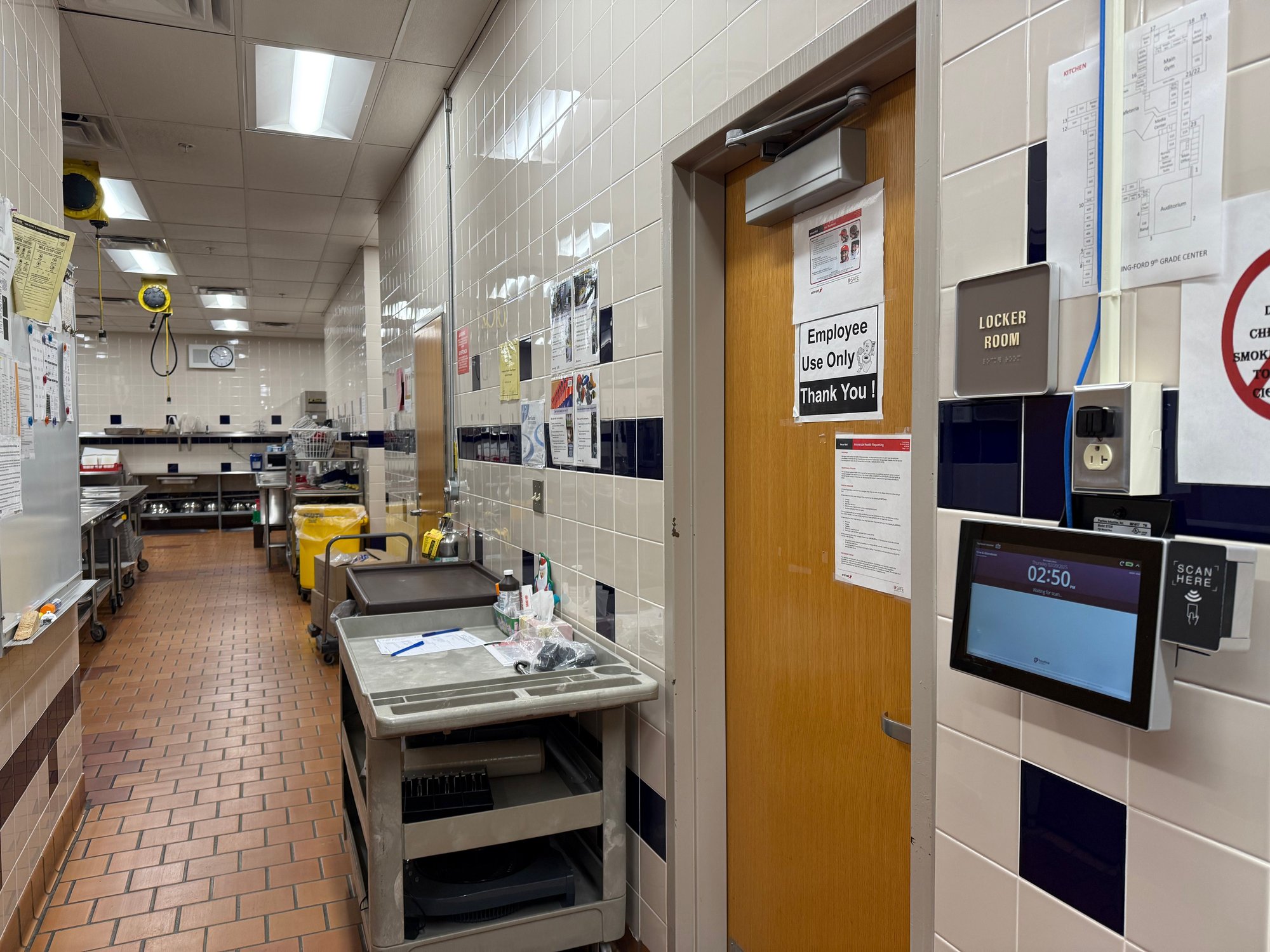
Works with the SmartClock kiosks districts already use.3
Low-Cost Upgrade
Adds a layer of accountability for a fraction of the cost of a full system overhaul.4
Privacy-Safe
Photo documentation is stored securely with automatic deletion every six months.Built for K-12 Reality
With more than a decade of experience providing time clocks to thousands of schools, we deeply understand the challenges faced by school districts. PunchBuddy Snap strengthens trust without adding complexity where accountability matters most.
How It Works
Add it remotely. Use it instantly.
Enable:
Touchpoint activates PunchBuddy on your SmartClock remotely — no shipping or installation required.
Capture:
Your PunchBuddy Snap-enabled SmartClock takes a photo with each employee badge scan for foolproof clock-in documentation.
Store:
Clock-in photos are securely uploaded, archived for review, and purged automatically after 6 months.
Frequently Asked Questions
Does PunchBuddy use biometric facial recognition?
No. It simply documents punches with instant photos for audit purposes. No facial matching or biometric data is collected or stored.
How are photos stored?
Photos are stored in a secure database with permissions by district, and then automatically purged after six months.
Do we need new hardware?
If your SmartClock has a built-in camera and badge reader, you can immediately add PunchBuddy Snap. Older time clock hardware may require upgrades or replacement.
Can it be deployed remotely?
Yes. Activation is fully remote with no shipping or on-site setup by your IT team. As easy as it gets!
Why not choose biometrics?
PunchBuddy Snap is a non-biometric option that captures photos for auditing purposes. PunchBuddy Touch uses fingerprint verification and PunchBuddy Pro uses PIN plus facial verification for real-time authentication. All three work on your existing SmartClock hardware. Compare all PunchBuddy options