
Skip to content

PunchBuddy Touch

The original biometric buddy punching protection. Fingerprint verification means employees always have their key to clock in and out.
PunchBuddy-Cafeteria-Worker-Logo
Standard+Prox+Bio+4G-Scan_0027_BPTouch
Any authentication method that can be handed off to a coworker leaves your district exposed to time theft. Badges, PINs, and mobile apps all share the same weakness: they verify a credential, not a person.
Districts need a clock-in method that's tied to the individual, not just something they carry or remember.
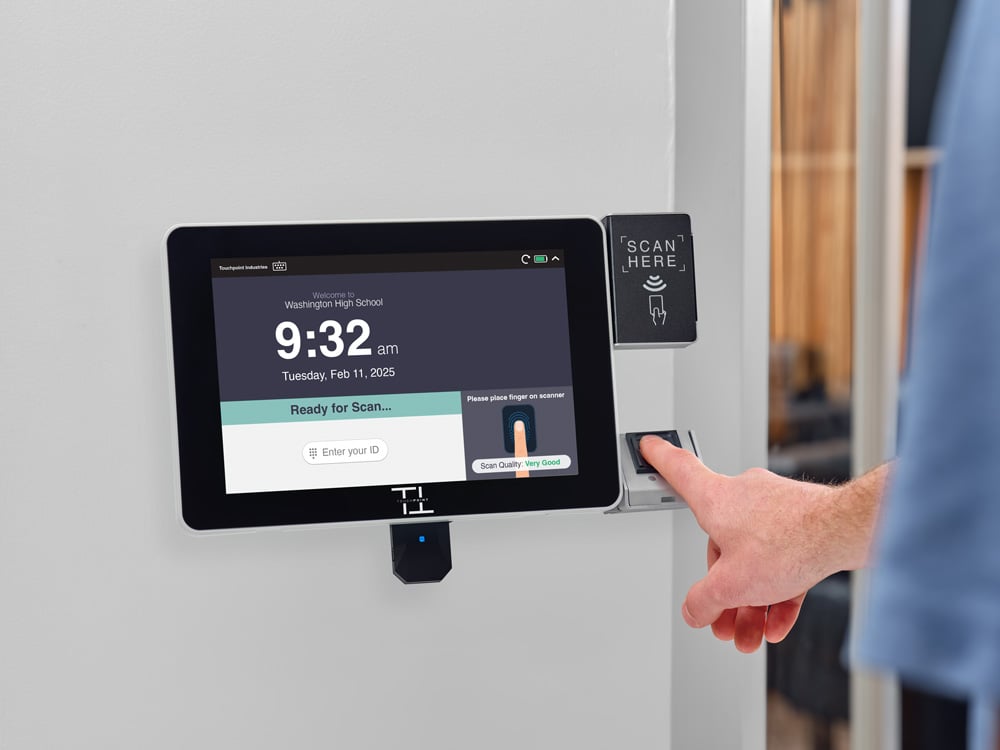
PunchBuddy Touch gives districts the highest level of clock-in protection, using the SmartClock hardware they already have.

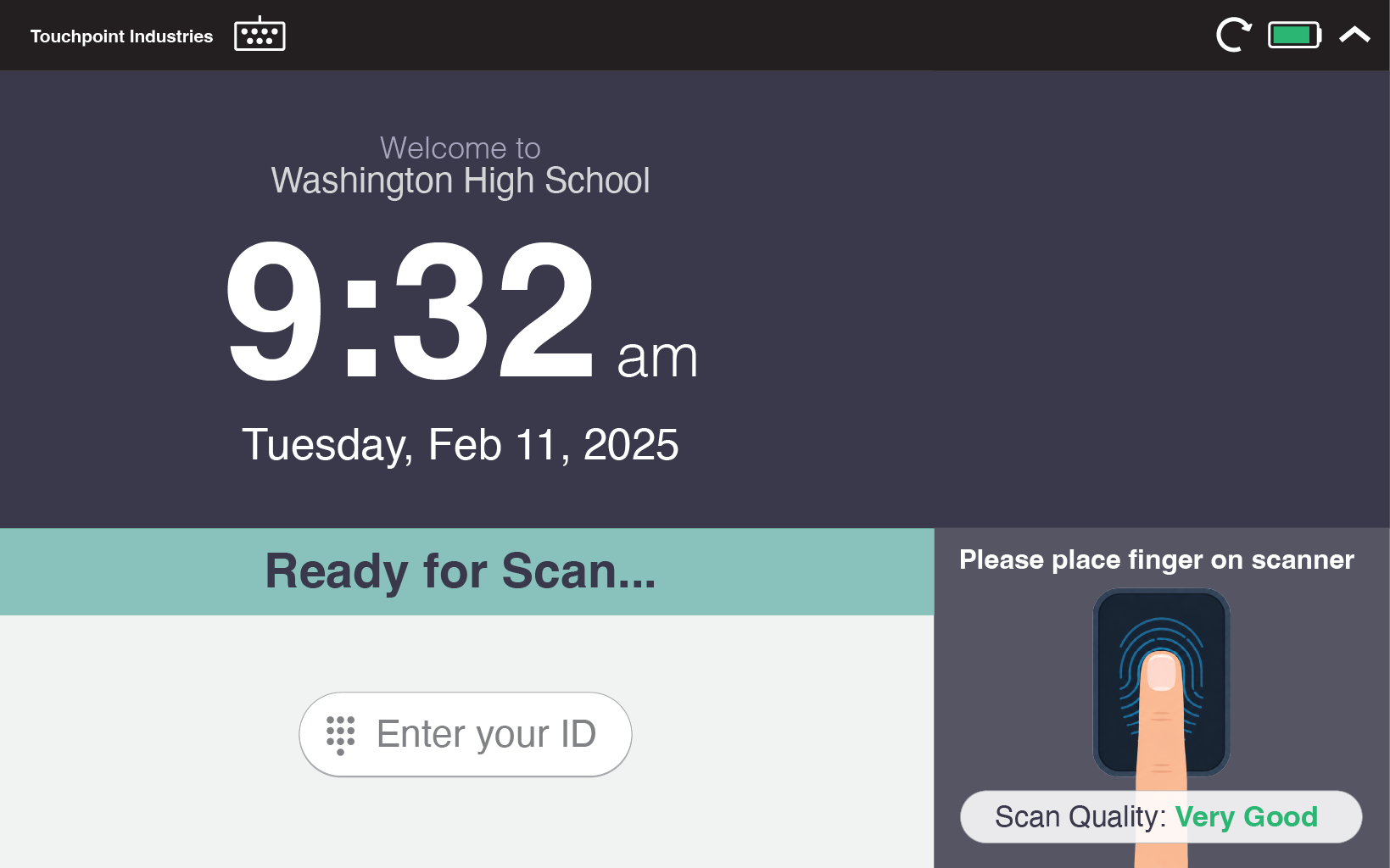
Fingerprint verification confirms the right employee is at the clock every time. No badges to forget. No PINs to share. Just a quick touch and they're in.
Touchpoint-Kiosk-Screen-PBTouch

The gold standard for clock-in security.

PunchBuddy Touch eliminates the possibility of buddy punching entirely by verifying the one thing an employee can't hand off: their fingerprint.

1

Unbeatable Accuracy

Fingerprint verification confirms the person, not just a credential. It's the highest level of buddy punching protection available

2

No New Hardware

Works with SmartClock kiosks equipped with a fingerprint reader. No separate devices to manage.

3

Nothing to Forget

Employees always have their authentication with them. No lost badges, no forgotten PINs, no excuses.

4

Fast and Familiar

Employees already unlock their phones with a fingerprint. Clocking in works the same way, with no learning curve.

Built for K-12 Reality

With more than a decade of experience providing time clocks to thousands of schools, we deeply understand the challenges faced by school districts. PunchBuddy Touch delivers the strongest clock-in protection available while keeping the process simple for employees and administrators alike.
Custodian Biometric Fingerprint

How It Works

Simple enrollment. Instant verification.


1

Enroll:

Each employee registers their fingerprint at their SmartClock during a quick, one-time setup. The process takes less than a minute.

2

Capture:

When an employee clocks in, they place their finger on the reader. The SmartClock confirms their identity instantly.

3

Record:

The verified punch is logged automatically and synced to your payroll system. Accurate records, zero guesswork.

Frequently Asked Questions

How is fingerprint data stored?

Fingerprint data is converted to an encrypted template at the time of enrollment. The actual fingerprint image is never stored. Only the encrypted template is retained on the device for matching purposes.

What if an employee's fingerprint doesn't scan?

SmartClock supports backup authentication methods. If a fingerprint scan fails, employees can use an alternate method set by your district's administrator to ensure they can always clock in.

Do we need new hardware?

PunchBuddy Touch requires a SmartClock model equipped with a fingerprint reader. If your current kiosks don't have one, Touchpoint can help you identify the right upgrade path.

Is fingerprint verification legal in our state?

 Biometric regulations vary by state. Touchpoint can help you understand the requirements in your area and ensure your deployment meets all applicable guidelines. In most states, fingerprint verification for workforce management is fully supported with proper employee notice and consent.

How is Touch different from PunchBuddy Snap and Pro?

PunchBuddy Touch uses fingerprint verification for the strongest buddy punching protection. PunchBuddy Snap captures photos for auditing, and PunchBuddy Pro uses PIN plus facial verification for dual-factor authentication. All three work on your existing SmartClock hardware. Compare all PunchBuddy options

Give your district the strongest buddy punching protection on the market.

No contracts. No complexity. Just verified clock-ins, every time.